


Dynamo is a visual programming platform for BIM that enables users to automate tasks, optimize workflows, and create complex geometry within design software like Revit. It enhances efficiency and customization in BIM processes through intuitive, node-based scripting.
Dynamo is a platform that works with Revit for visual programming. Instead of typing code, you create programs with Dynamo by manipulating graphic elements called ‘nodes.’ It is a programming approach best suited for architects, designers, and engineers. Dynamo and Revit can be used together to model and analyze complex geometries, automate repetitive procedures, eliminate human errors, and export data to files in Excel and other types of files that Revit usually does not support. With several pre-made scripting libraries, Dynamo can make the design process more efficient. CADBIM centre offers 2 levels of project-oriented training which is intended to give the participants a complete knowledge about visual programming tool that work with Revit.
Enquire now
Our career support program is designed to help your transition from training to employment. With continuous mentoring and practical insights, we prepare you to present your capabilities effectively and succeed in real-world engineering environments.
Enquire nowThe application is open to all AEC professionals as well as students in their final year of graduation.

Apply for
the course
Speak to an Academic
Counsellor
Submit application
to get shortlisted
Register Now and
reserve your seat
Welcome to the
CADBIM
Community.
What matters is not how many BIM software certifications you own, but how you align them to industry requirements
 AutoCAD
 Autodesk Construction Cloud
 Bluebeam
 Dialux
 Diroots
 Dynamo
 Excel
Excel
 Model Checker
 Navisworks
 Oracle Primavera
 Prosheet
 Py Revit
 Recap
Recap
 Revit 24
 Solibri
Earn globally recognized certification tailored to MNC requirement validating your skills and leadership in AEC industry.








And our legacy keeps growing...
Whether you have a question about our courses, certifications, or corporate training programs, our team is here to help.
Fill out the form below, and one of our team will get back to you within 24 hours.
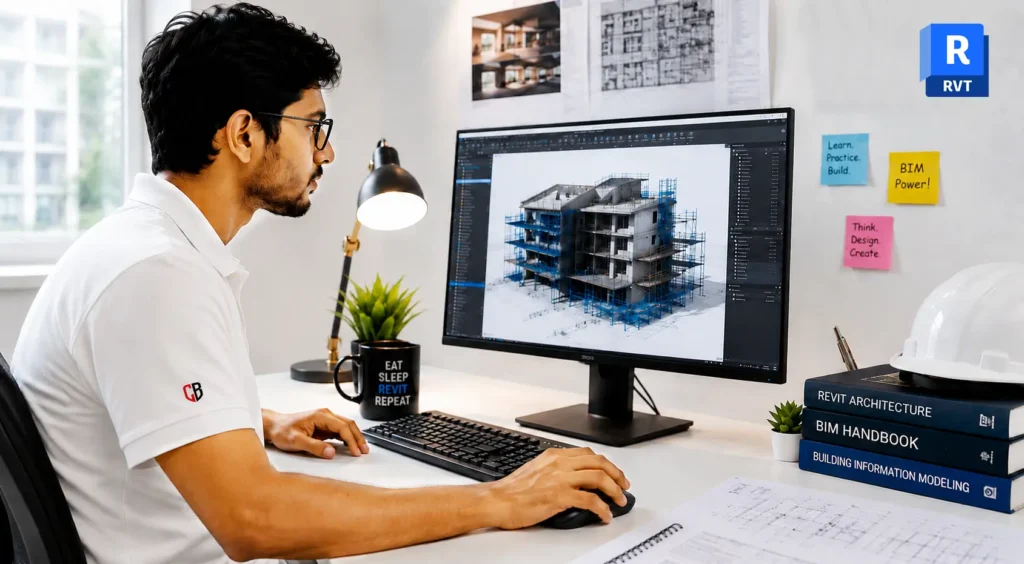
CADBIM Centre's Revit programme combines global BIM practices with project-based learning on real world projects — preparing you to work as a BIM Engineer, not just a BIM Modeller.
Total Duration: 60 Hours
Learn more

Civil 3D is a design and documentation software that supports civil engineering projects — land development, transportation, water infrastructure.
Total Duration: 60 Hours
Learn more
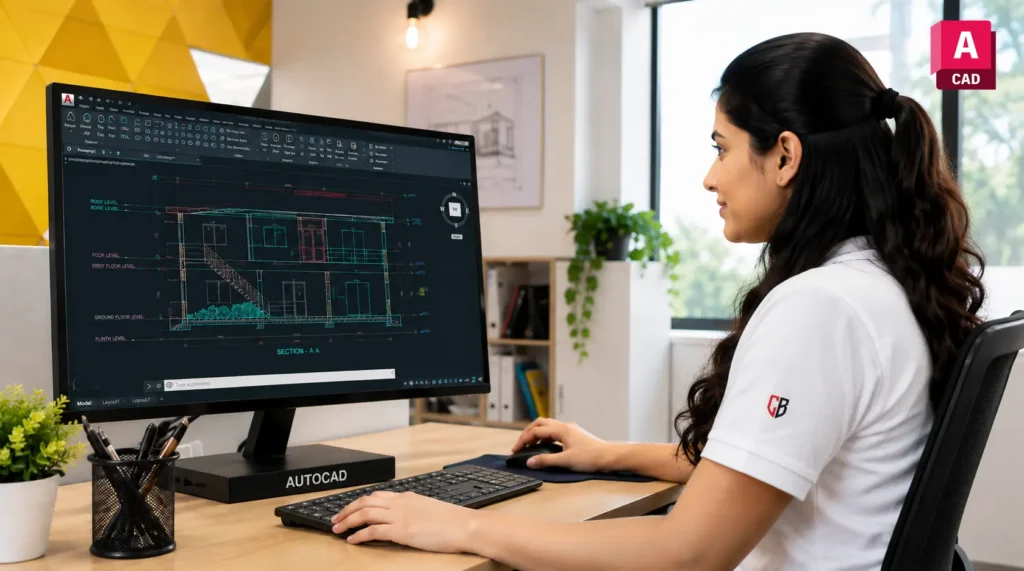
Draft structural and MEP drawings to global standards. CADBIM Centre's AutoCAD Course combines internationally recognised drafting practices with project-based learning, building accurate, documentation-ready skills through real structural and MEP drawing assignments.
Total Duration: 40 Hours
Learn more
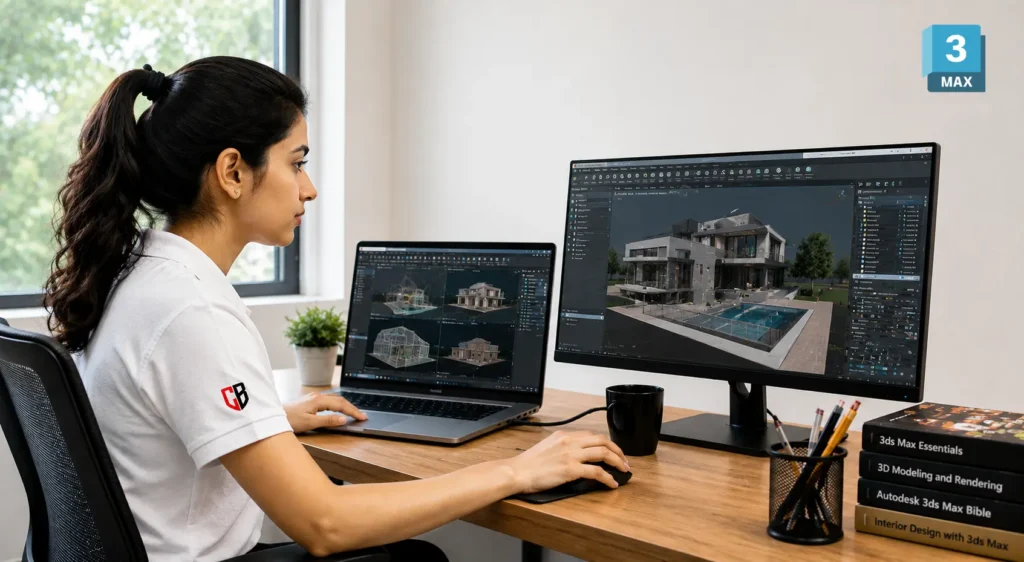
Visualise structural and MEP designs the way global studios do. CADBIM Centre's 3ds Max certification course blends international rendering practices with project-based learning, turning structural and MEP models into photoreal visuals and coordination walkthroughs delivered end-to-end.
Total Duration: 40 Hours
Learn more
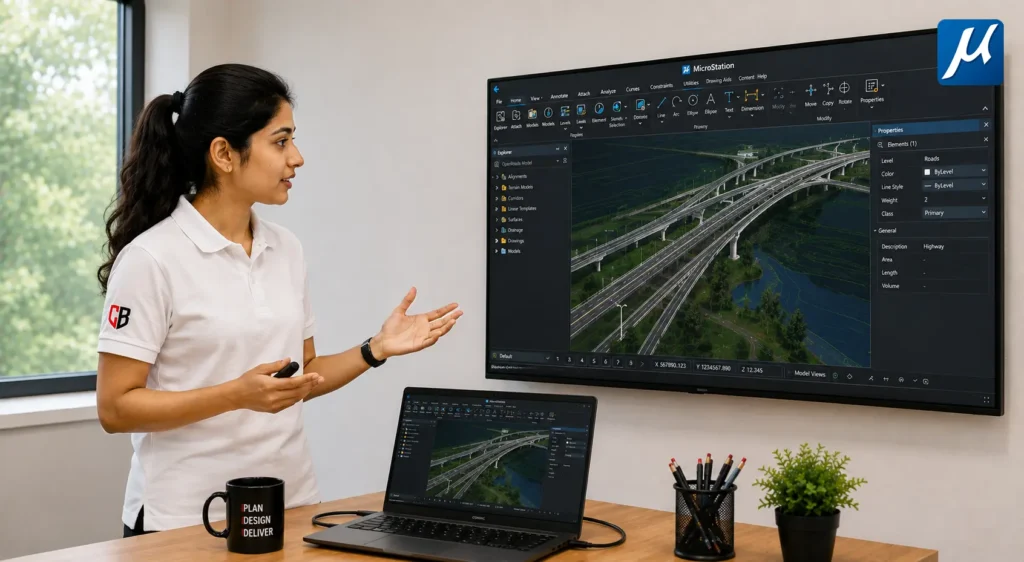
MicroStation is a powerful CAD software that supports BIM workflows — enabling precise 2D/3D modeling, design and documentation for infrastructure and building projects.
Total Duration: 60 Hours
Learn more
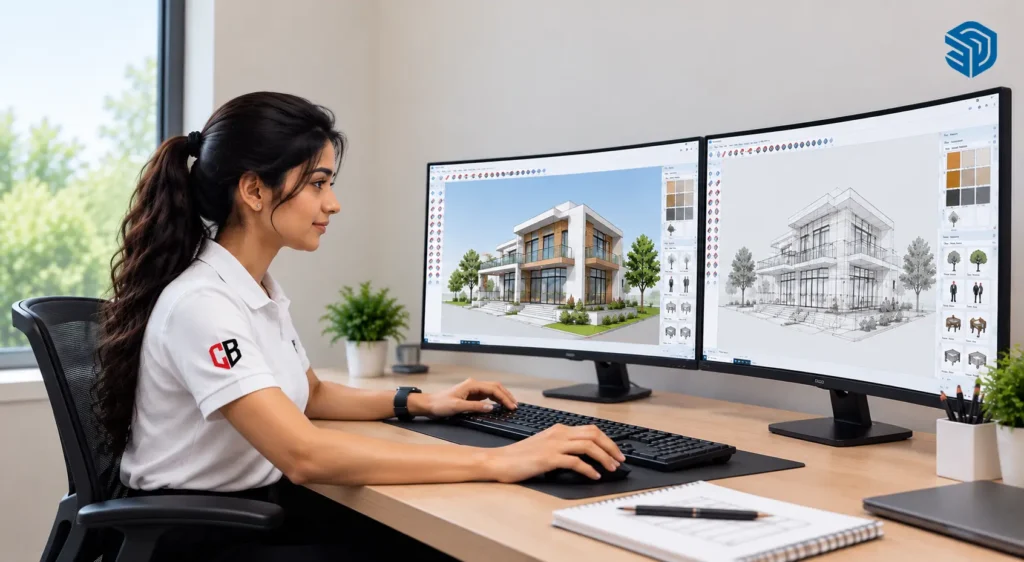
SketchUp — comprehensive 3D modeling for architectural designs, interiors and landscapes. Perfect for beginners and professionals.
Total Duration: 40 Hours
Learn more